The problem
Bookkeeping software holds the entries. The source documents behind them (paper invoices, receipts, bank statements, contracts and correspondence that arrived by post or in a shoebox) were scanned and filed by client and year. Some went through the software's document capture. Most, especially anything older than the current system, are image-only scans. When a question starts from a document instead of from an entry, the only tool is opening folders.
Cloud OCR services will index all of it at the cost of sending every client's financial records to a third party. For many practices that means a conversation with each client they would rather not have and a data-processing agreement they would rather not sign.
How it works in Searchive
- You import by client, by year or everything at once. Point Searchive at the archive folder. Subfolders are included, duplicates are detected by content hash and PDFs that already carry text, such as e-invoices and system exports, are indexed without recognition. Photos of receipts (JPEG, PNG, TIFF, WebP) can be imported as a set that becomes one document.
- Recognition runs in the background. You choose the language for each document (Dutch, German, French, English or Italian, with two allowed together for a bilingual supplier). Every document shows its status and every page records a confidence score, so a faint thermal-paper receipt appears on the review list instead of silently missing from search.
- You search across all clients and years for an invoice number, a supplier name, an IBAN, a VAT number or an amount. All-words mode narrows the search ("Müller 2021 invoice"), any-word mode widens it ("Mueller Müller Muller") and exact-phrase mode finds a description line. Results show document, page and snippet, ranked.
- One click opens the scanned page with the match highlighted. The stamp, the handwritten approval and the bank's logo are all there for the audit file.
- You pin the pages that answer the question with a note. The search can be exported as a CSV (file, page, snippet) to attach to the working papers. Projects group documents per client or per engagement without moving files.
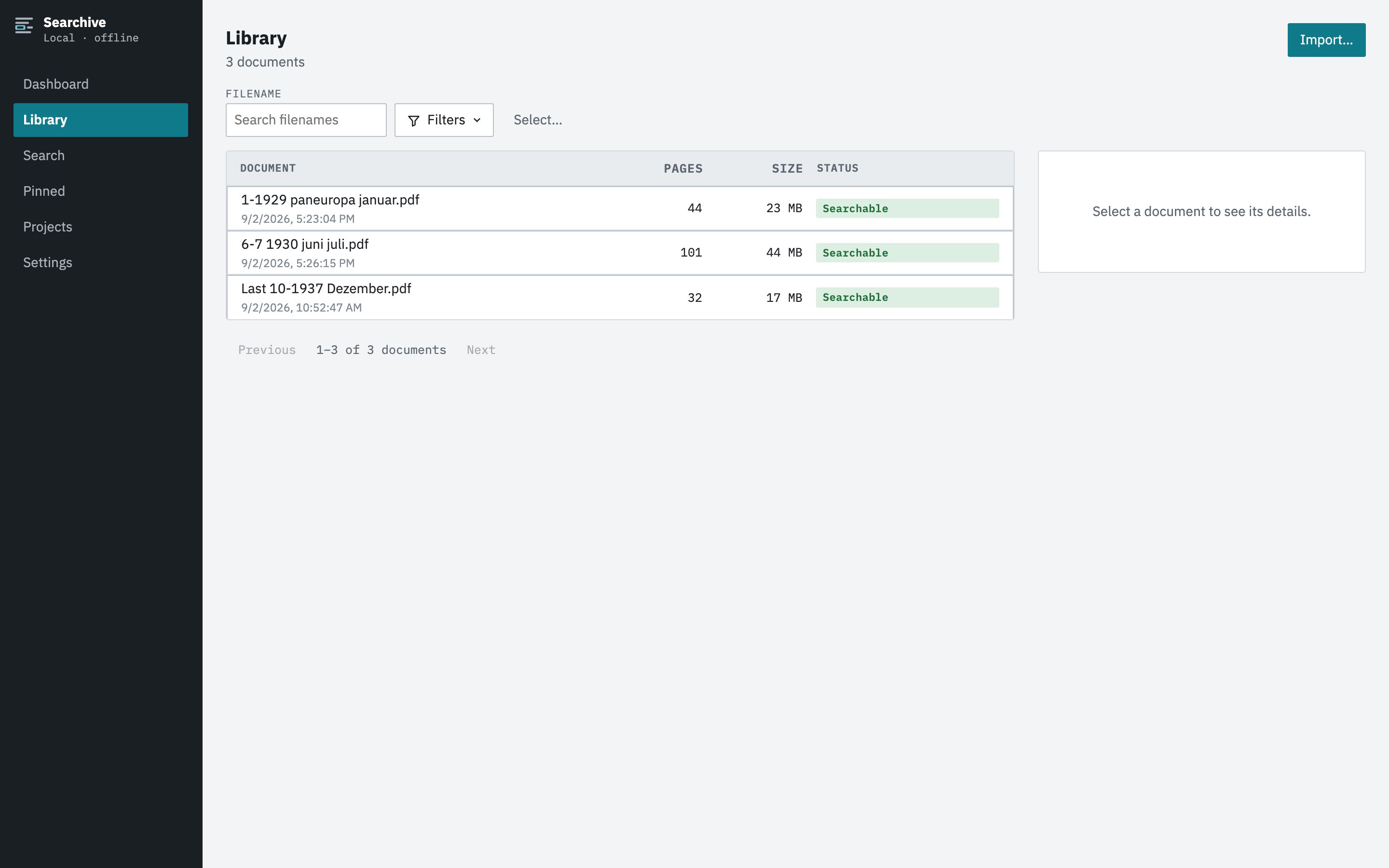
Where the records stay
On your machine. Searchive is a desktop application for macOS and Windows. The documents, the recognized text and the index live in one folder that your backup already covers. There is no upload, no account and no cloud component. It works offline. A paid license is confirmed by a periodic check that sends the license key and nothing else. Your clients' records aren't on anyone's server because of this tool and no model learns from them.
What it doesn't do
Searchive finds documents and doesn't extract data from them. It won't pull amounts, dates or line items into a table, post anything to a ledger or replace the document-capture feature of your bookkeeping software for current work. It reads printed and typed text only, so a handwritten receipt is a page you can view and pin but not one you can search by its content. What it does is let seven years of scanned paper answer a question in seconds, on the machine where the paper already is.
Start with one client's year. The free version is the full product on a single document, however many pages it has. It needs no account or card. Unlimited documents cost €10 once at launch and €39 after.
Join the waitlist