The problem
Everyone who sells to small businesses has the same answer to "we want our paperwork searchable": a document-management system. It comes with per-user licenses, a migration, a taxonomy to design, a cloud where the documents will live from then on and a consultant to set it up. For a company with forty staff and compliance obligations it is the right answer. For a company with four people it is more than the job needs.
Most small firms end up with a scanner and a shared folder. That solves the storage problem and none of the finding problem, because scans are pictures and the shared folder's search sees nothing in them. The cabinet gets scanned and the folder grows. Looking something up still means opening files one by one.
How it works in Searchive
- You keep the folder. Searchive doesn't replace your files with a database you can't see. You point it at the archive folder, subfolders and all. It keeps its own searchable copies and index in a library folder of its own and never modifies an original. Files that already contain text, such as anything exported from Word or your invoicing software, are indexed without recognition.
- You choose the language and let it run: Dutch, German, French, English or Italian, with two allowed together for a bilingual supplier. Recognition runs in the background on one machine and the library shows each document's status. Duplicates, such as the same permit filed under two projects, are detected by content hash.
- You search all of it for a supplier, a customer, a site address, a permit number, a product code or a clause you remember. Results come from every document, ranked and with a snippet. Any-word mode handles a company known by two names and exact-phrase mode finds the warranty wording.
- You open the actual page. The scan appears with the match highlighted: the signed contract, the stamped permit, the drawing title block. Text is selectable where a text layer exists.
- You organize lightly. Projects group documents by site, customer or year without moving files. You can pin pages with a note and export a search as a CSV when a customer, an insurer or the tax office asks for everything about a subject.
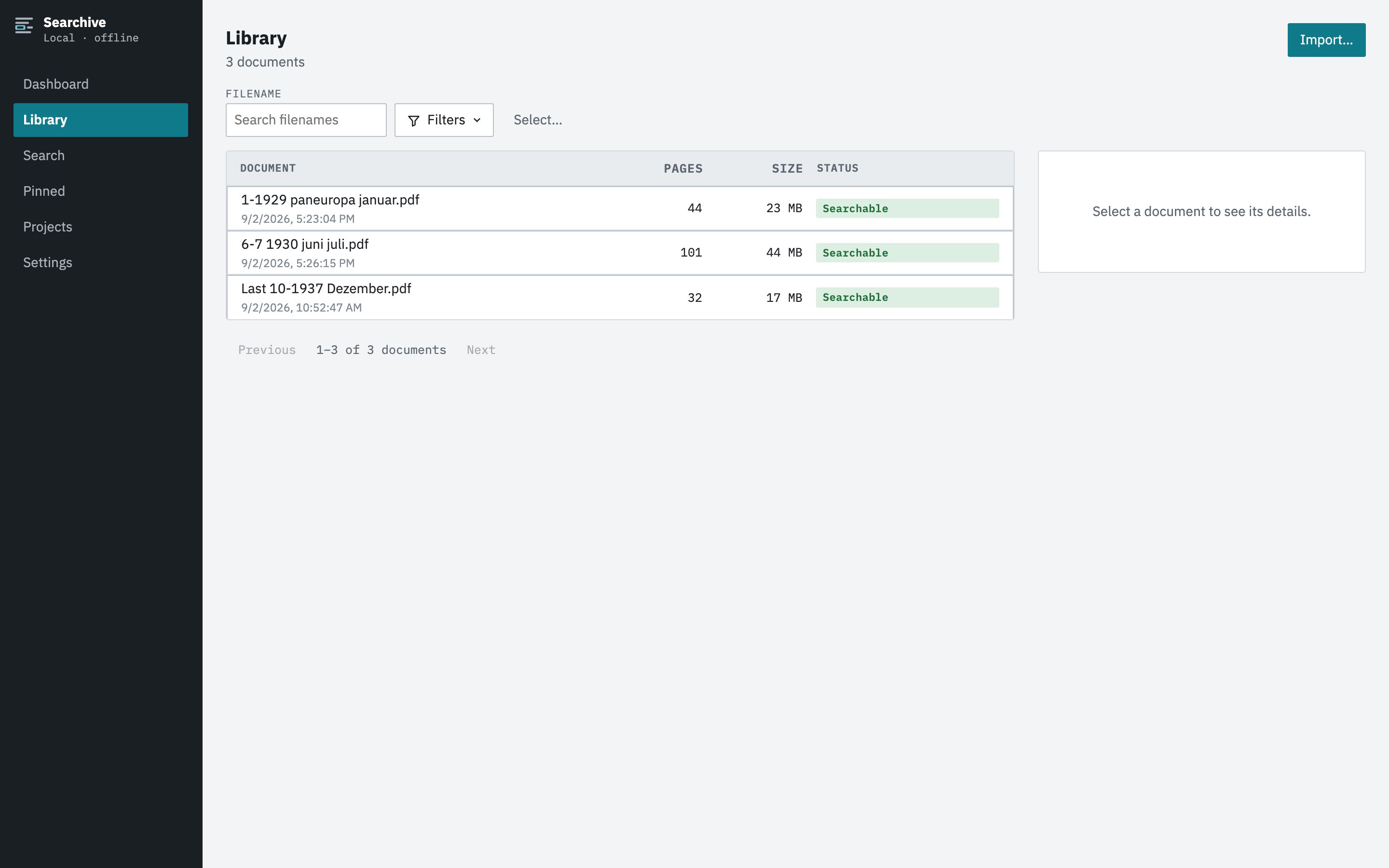
What it costs and where the data is
Searchive is a desktop application for macOS and Windows. It is free for one document. One payment unlocks unlimited documents (€10 at launch, €39 after) with the same features. There is no per-user pricing because there are no user accounts. The library is a folder on a machine and is backed up by whatever already backs up that machine. Nothing is uploaded, no cloud is involved and it works offline. You pay once and there is no subscription to lapse.
What it doesn't do
Searchive is not a document-management system. It has no permissions, approval workflows, version control or retention rules. There is no simultaneous multi-user access to one library, so a second person searches by having a copy of the library folder on their own machine. It reads printed and typed text only, so a handwritten delivery note is a page to view and pin rather than search. If you need the workflow features you need a DMS. If you need to find things in a cabinet you have already scanned, this is the tool.
Try it on one binder. Scan a lever-arch file to a single PDF, import it and see whether the search answers your questions. It needs no account or card. The free version doesn't expire.
Join the waitlist