What DEVONthink is
DEVONthink is an information manager for macOS with a companion app, DEVONthink To Go, for iPhone and iPad. You put documents of every kind into databases, tag and group them, let its classification suggest where things belong and search across all of it. Databases are stored locally on your Mac and sync between devices over encrypted connections. It is a one-time purchase. On 15 September 2026 the pricing page listed Standard at $99, Pro at $199 and Server at $499, each with two seats and one year of updates. Scanner integration and OCR are listed for the Pro and Server editions. The OCR engine isn't named on the site. It requires macOS Ventura or later.
Its strength is breadth. A researcher's whole working life can live in it, scans included. The breadth also means a learning curve. It only runs on the Mac.
What Searchive is
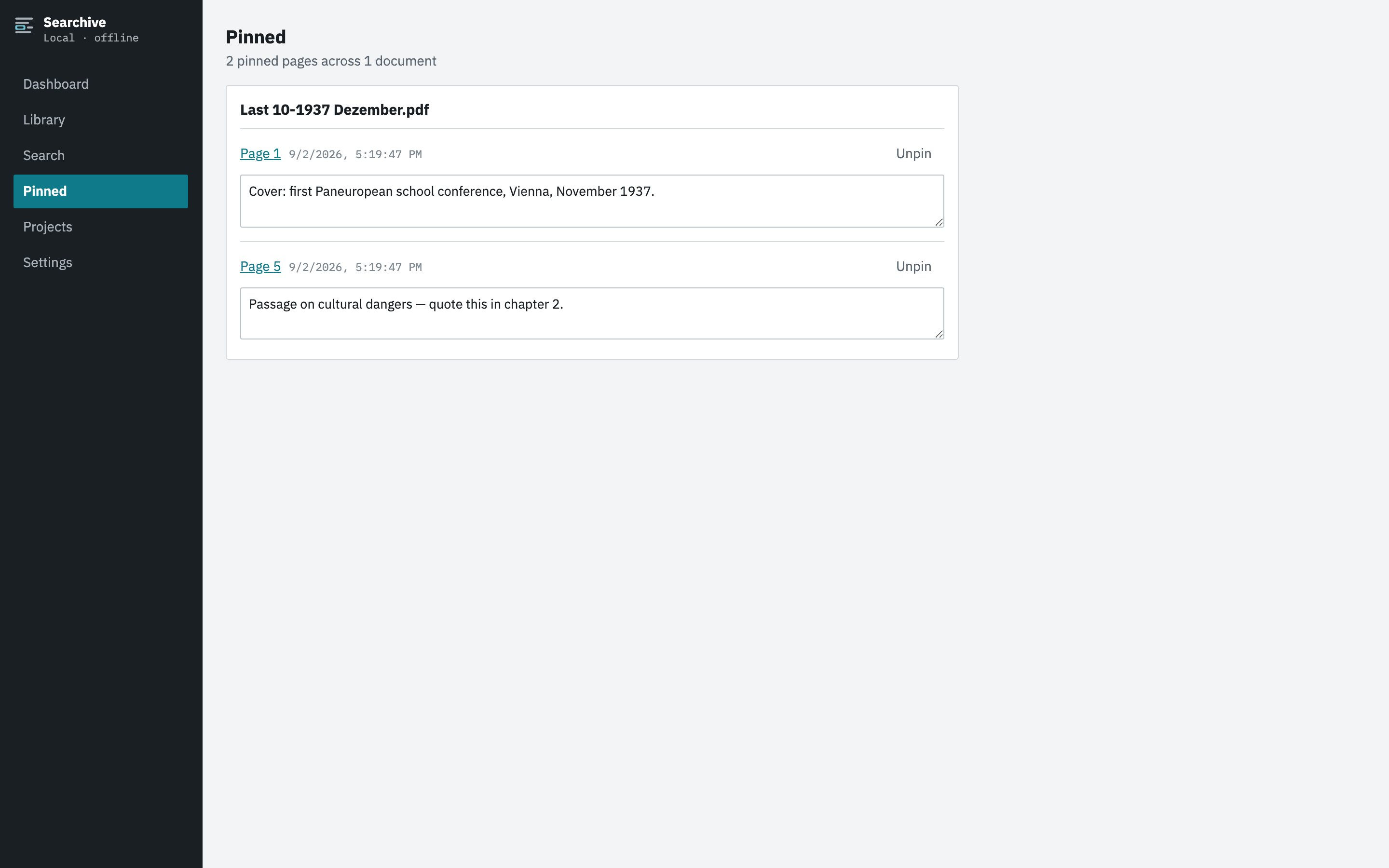
Searchive does one job. It takes scanned PDFs and photographed documents, recognizes the printed text in German, French, English, Dutch or Italian, indexes every page and lets you search the library with the match highlighted on the scan itself. It runs on macOS and Windows with identical features and keeps everything in one folder on your disk. It costs a single payment and one document is free. It has projects for grouping sources, pinned pages with notes and CSV export of results. It has no tagging, web clipping, note-taking or sync.
Side by side
| Feature | Searchive | DEVONthink |
|---|---|---|
| Scope | Scanned and photographed documents | Everything: PDFs, notes, web, mail, images |
| Platforms | macOS (Apple Silicon) and Windows, same features | macOS, plus iOS and iPadOS companion |
| OCR | Included, automatic on import, language per document | Pro and Server editions |
| Match shown on the scan | Page image with the hit highlighted, so you read the original | Opens the PDF in its own viewer |
| Search modes | All words, any word (spelling variants), exact phrase, no operator syntax | Full query syntax, operators, proximity |
| Confidence per page, review list | Yes | Not shown |
| Photos as a document | A set of photos becomes one document, in camera order | Images can be imported and OCRed individually |
| Organization | Projects, pinned pages with notes | Groups, tags, smart groups, classification, custom metadata |
| Data location | One folder of ordinary files, no proprietary vault | Local databases on your Mac, optional sync |
| Price | Free for one document. Unlimited: €10 once at launch, €39 after | One-time $99 / $199 / $499, two seats |
| Learning curve | Import, choose language, search | Substantial because it does a great deal |
Choose DEVONthink when
- You are on a Mac and want one place for everything you collect, scans included.
- You value tagging, smart groups, classification and a rich query language.
- You prefer a one-time purchase and already know the app.
- Your scans are a minority of the material.
Choose Searchive when
- Your archive is mostly scans and photos and the recurring task is finding a name or phrase in them.
- You need Windows or you move between a Windows machine and a Mac and want the same tool on both.
- You want the match on the page image because in historical and legal work the original is what counts.
- You want to know which pages the OCR struggled on without reading all of them.
- You would rather have a small tool you understand in ten minutes than a large one you configure over a month.
Searchive is one workflow: import, recognize, search. It works the same way on a Mac and on Windows. It's free for one document and needs no account.
Join the waitlistUsing both
The two don't conflict. Searchive reads ordinary PDFs and photos from any folder and keeps its own library. A document that DEVONthink has already OCRed carries a text layer and is indexed by Searchive without recognition running again. A DEVONthink user with a shelf of scanned journals might keep notes and clippings where they are and put the scans through Searchive for page-level search. A Windows user has no such choice to make.
Frequently asked questions
Is there a DEVONthink for Windows?
No. DEVONthink runs on macOS with a companion app for iOS and iPadOS. Searchive runs on macOS and Windows with the same features on both.
Which DEVONthink edition has OCR?
According to DEVONtechnologies' editions page, scanner integration and OCR are in the Pro and Server editions and not in Standard.
Can I keep using DEVONthink and add Searchive?
Yes. Searchive imports ordinary PDFs and photos from any folder and keeps its own library. A document DEVONthink has already OCRed carries a text layer and is indexed by Searchive without recognition running again.
Does Searchive do notes, web clipping or file organization like DEVONthink?
No. Searchive has projects to group documents, pinned pages with a note and CSV export of search results. It isn't a general information manager and doesn't try to be one.